
Step 2. Create a Reporting Services Service Application
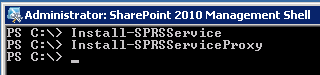
1. Start the SharePoint 2010 Management Shell with Run As an administrator.
2. Type Install-SPRSService and press Enter

3. Type Install-SPRSServiceProxy and press Enter
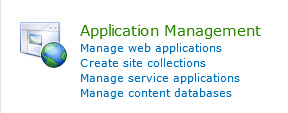
4. Open SharePoint Central Administration and click Manage Service Applications.
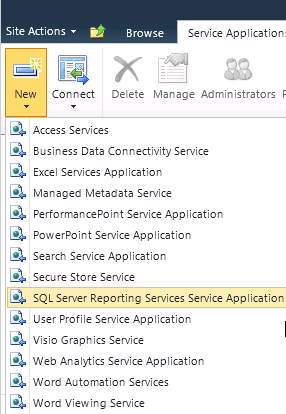
5. Click New. So now we have to click on the new Service Application SQL Server Reporting Services Service Application.
6. Provide a name e.g SQL Reporting Service. Select an existing application pool or choose to create a new one.
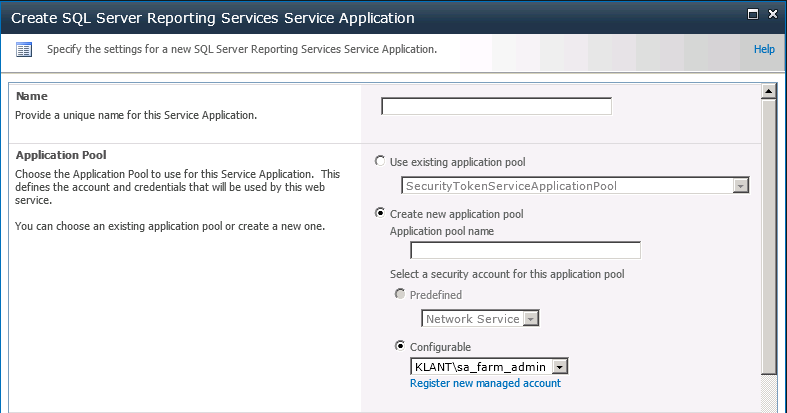
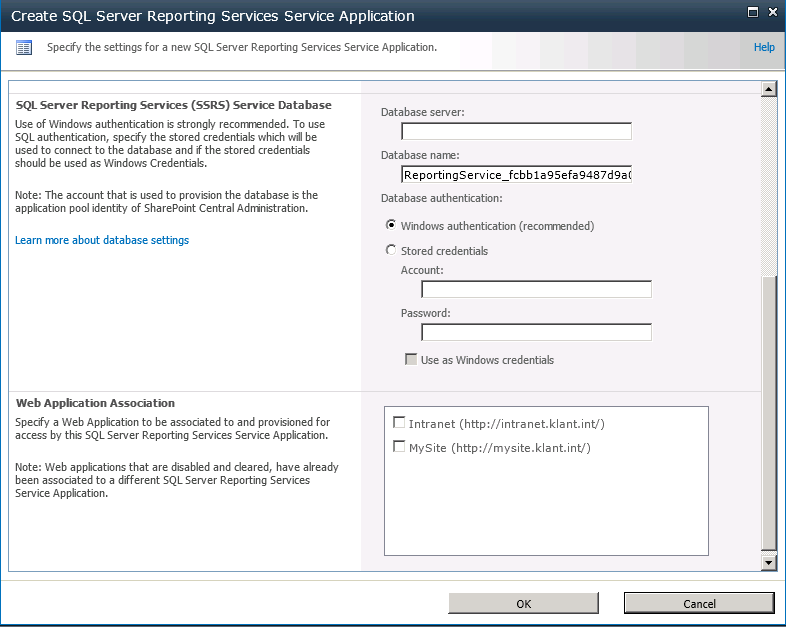
7. Provide the name of the database server that will store the Reporting Database and provide a database name without the GUID. 
8. Associate the SQL Reporting Services Service Application with the appropriate web application( s). Click OK.
9. The Service Application has been successfully created, click OK. The SSRS Service Application is now created.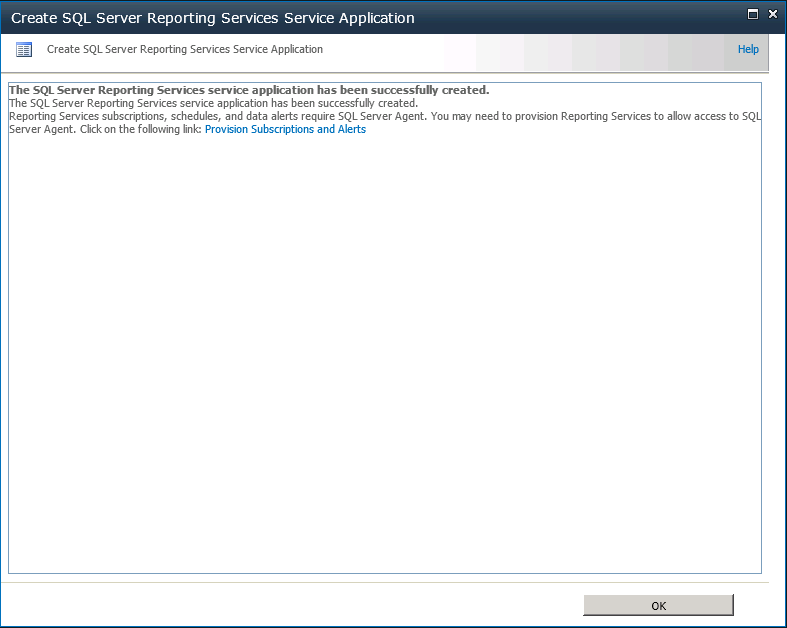





Leave a Reply